Where the mix gets approved.
Client review, version control, and sign-off for mixing & mastering engineers.
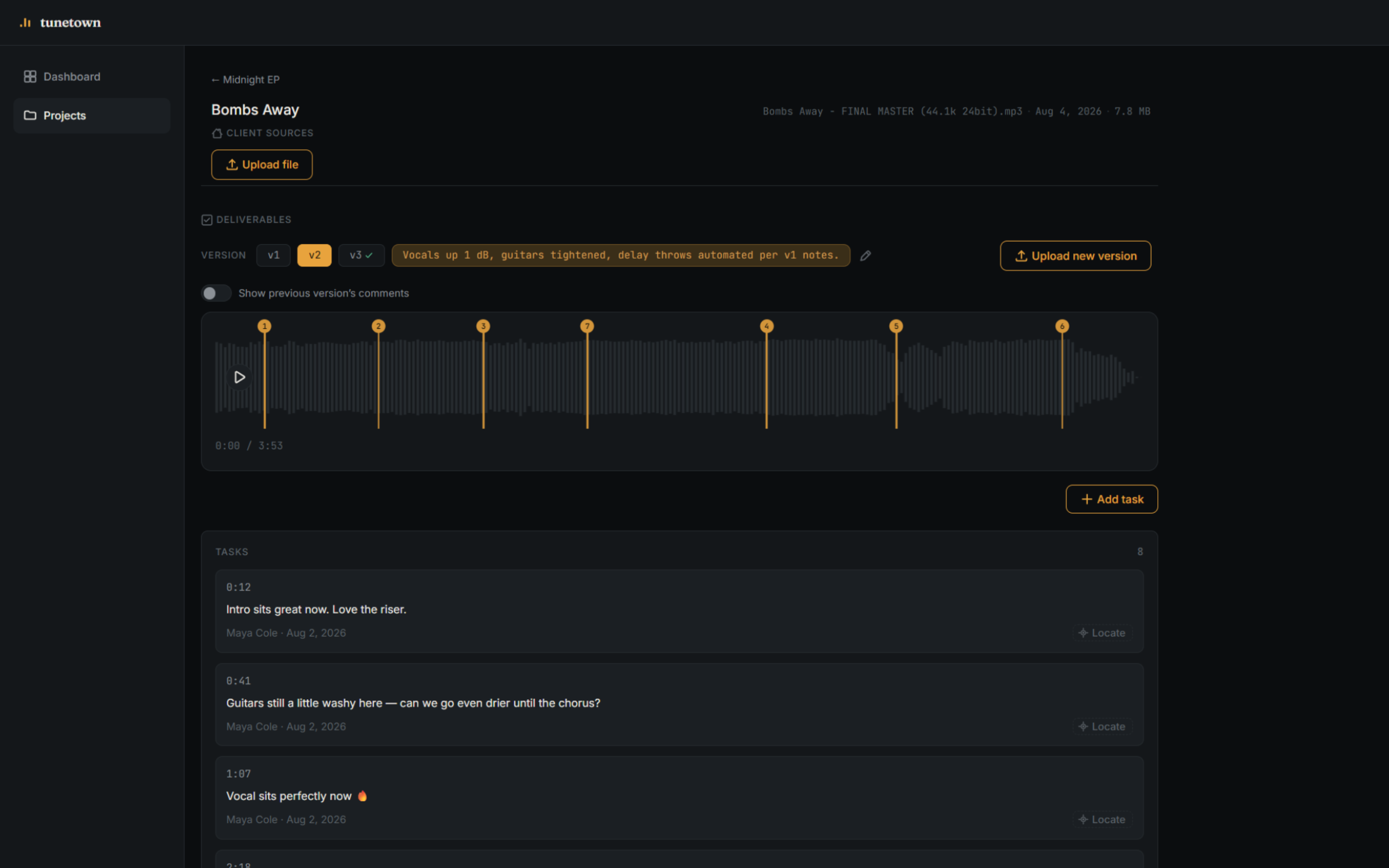
"At 1:23 can you…" Feedback scattered across email threads, texts, and voice memos, none of it pointing at an actual second in the track.
v2_final_FINAL.wav Version chaos. Nobody's sure which file the client actually approved, or what changed between it and the last one.
Downloaded before sign-off. Clients grab the master the moment it lands, long before anyone's actually approved it.
Feedback
Feedback pinned to the exact second.
Clients click a point on the waveform and leave a note right there — no more guessing what "the chorus" or "around the two-minute mark" means.
- Point or range comments, directly on the waveform
- Every note tied to a version, so nothing goes stale
- One thread per track — no digging through email
The differentiator
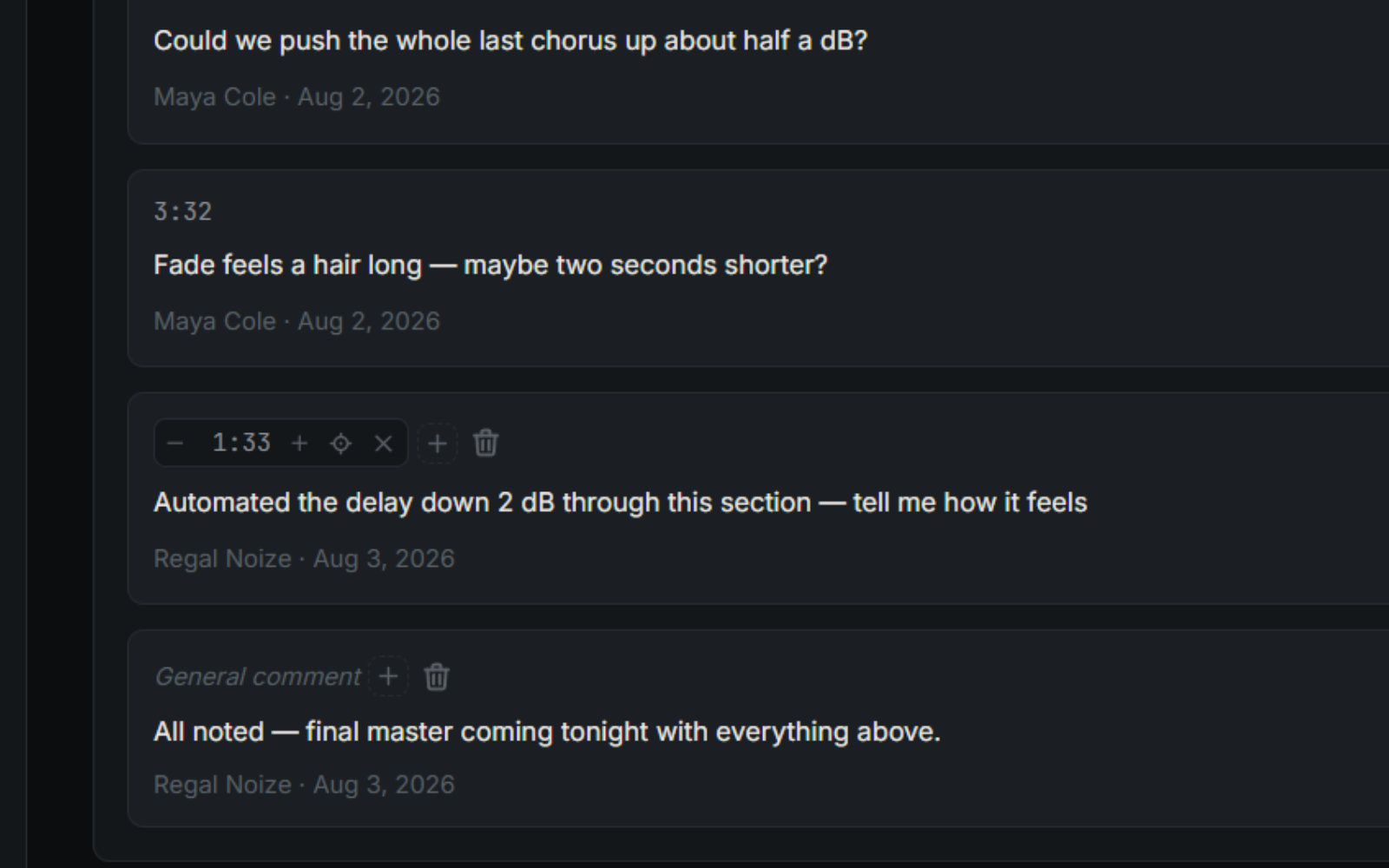
Tunetown DAW Assistant
Client feedback lands as markers inside your own session. No retyping timestamps, no tab-switching between an inbox and your DAW — the notes are already where you work.
Version control
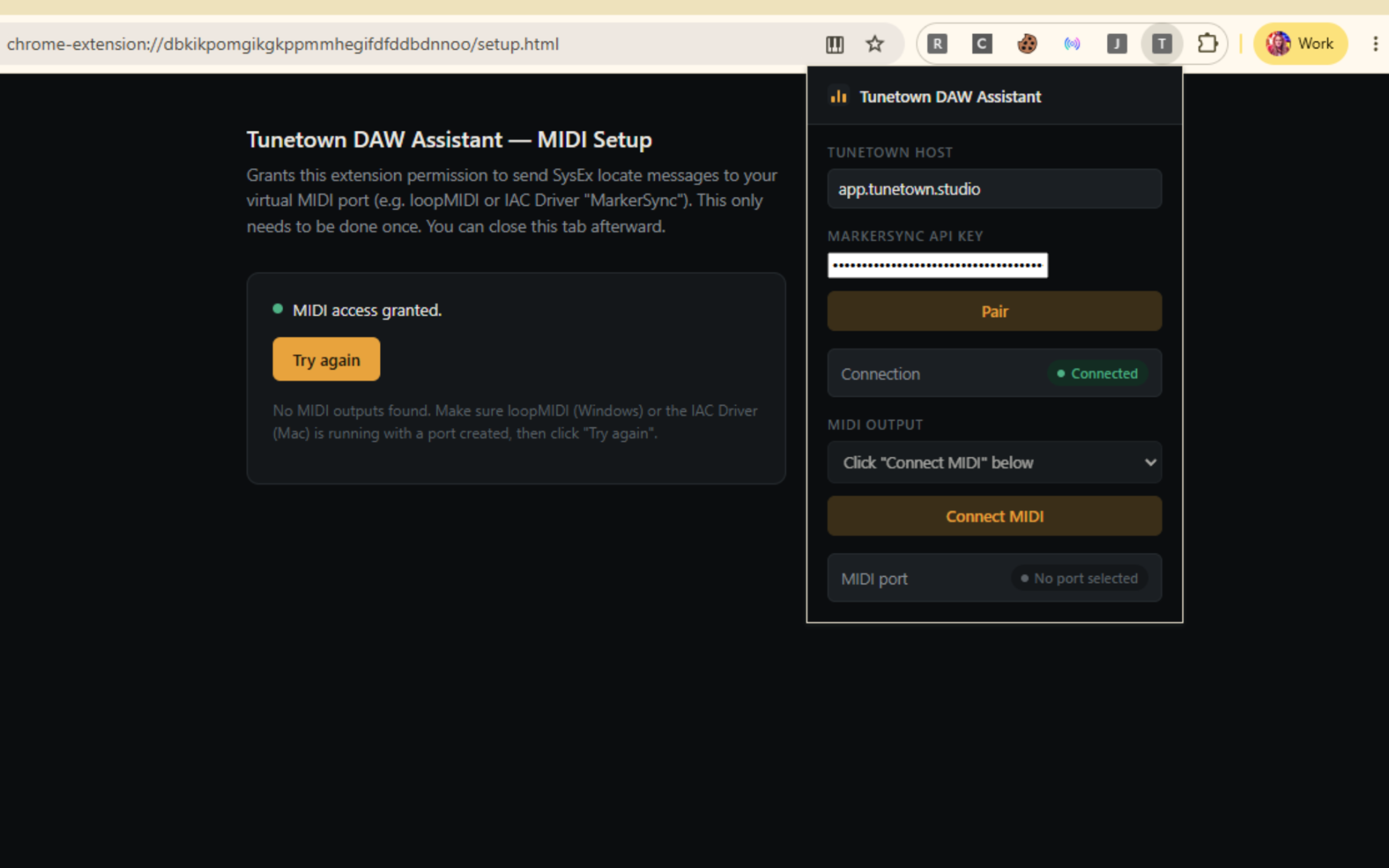
Every revision, kept.
Upload a new version and the old one doesn't disappear — it's still there, with its own comments and notes, for as long as you need it.
- Per-version notes on exactly what changed
- Nothing gets overwritten or lost
- Compare versions without hunting through folders
Sign-off
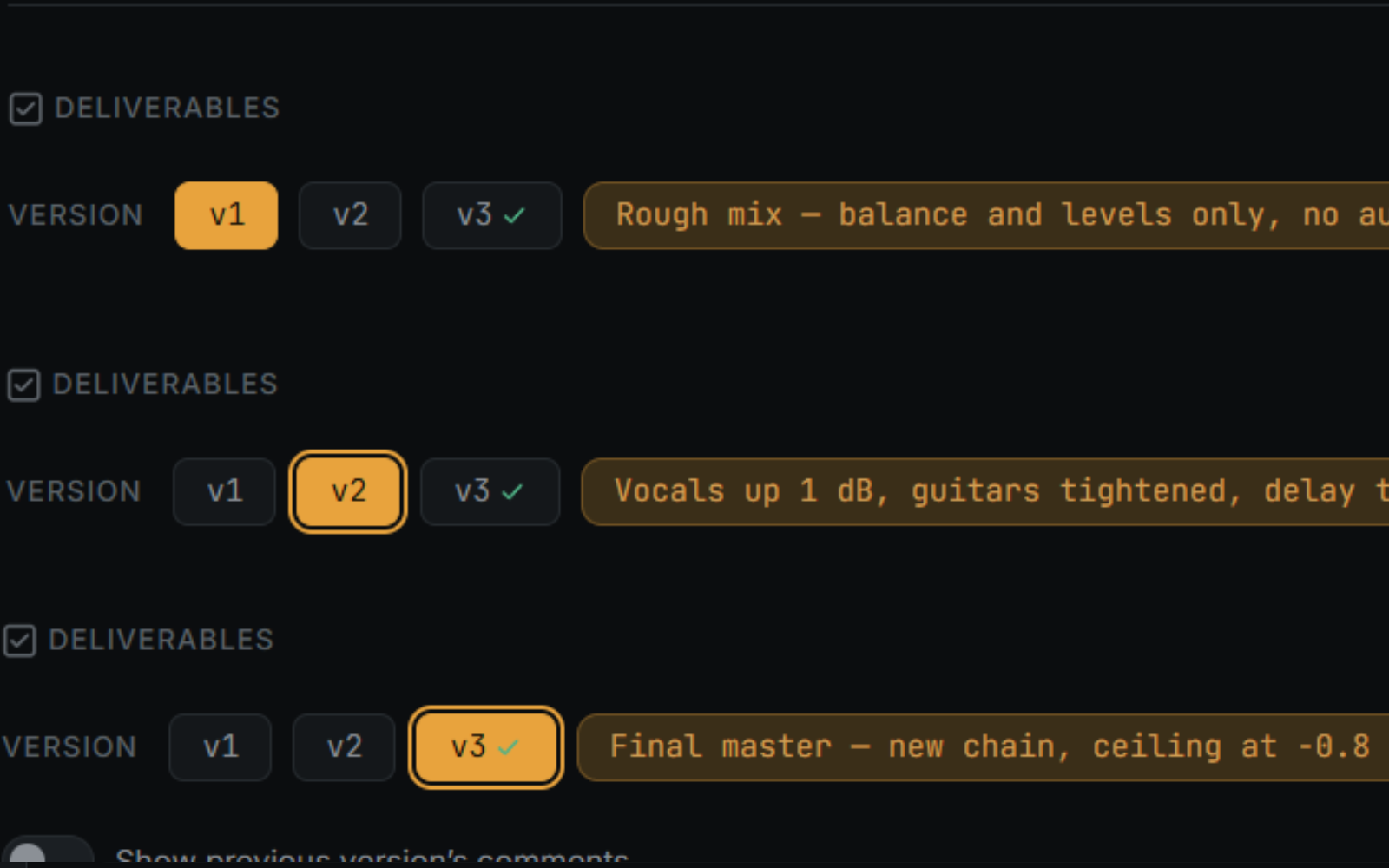
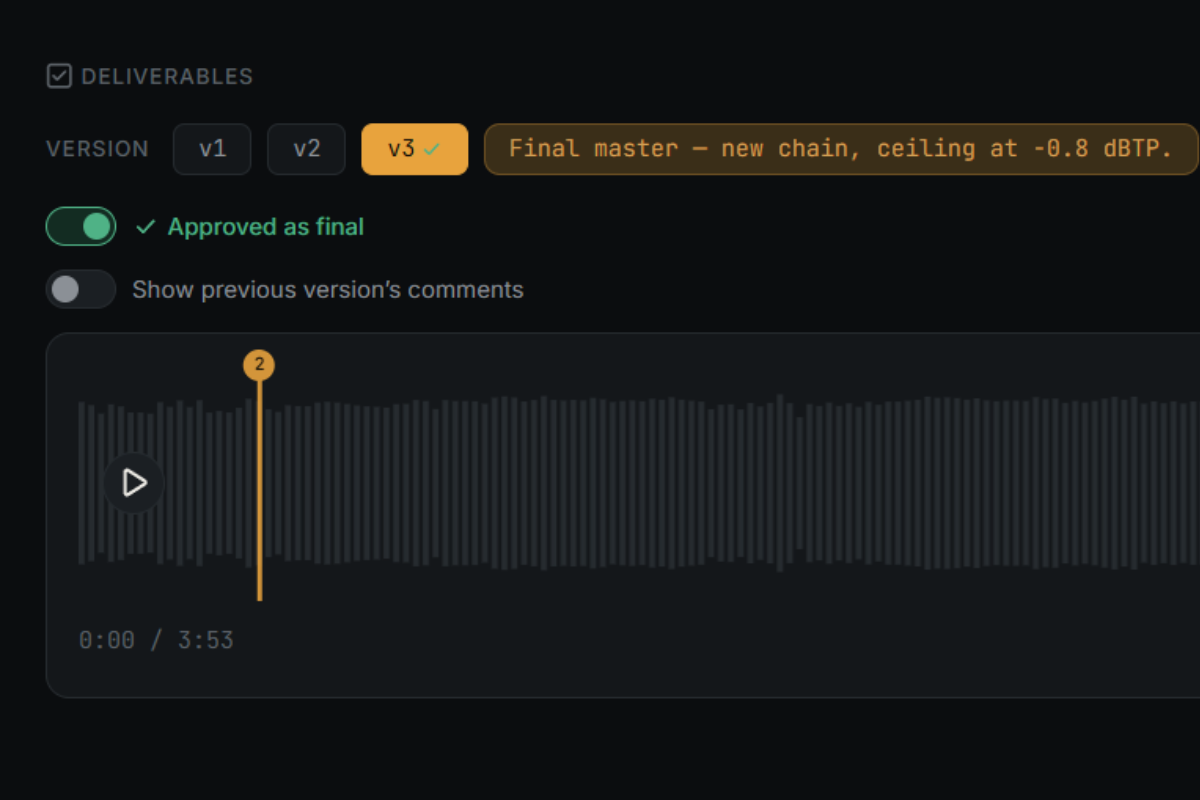
A real approval, on the record.
Each version gets a formal client sign-off — not a vague "sounds good" buried in a text thread. Once it's approved, everyone knows the mix is done.
- Explicit per-version approval from the client
- Ends the endless "one more pass" revision loop
- A clean record of what was approved, and when
Delivery
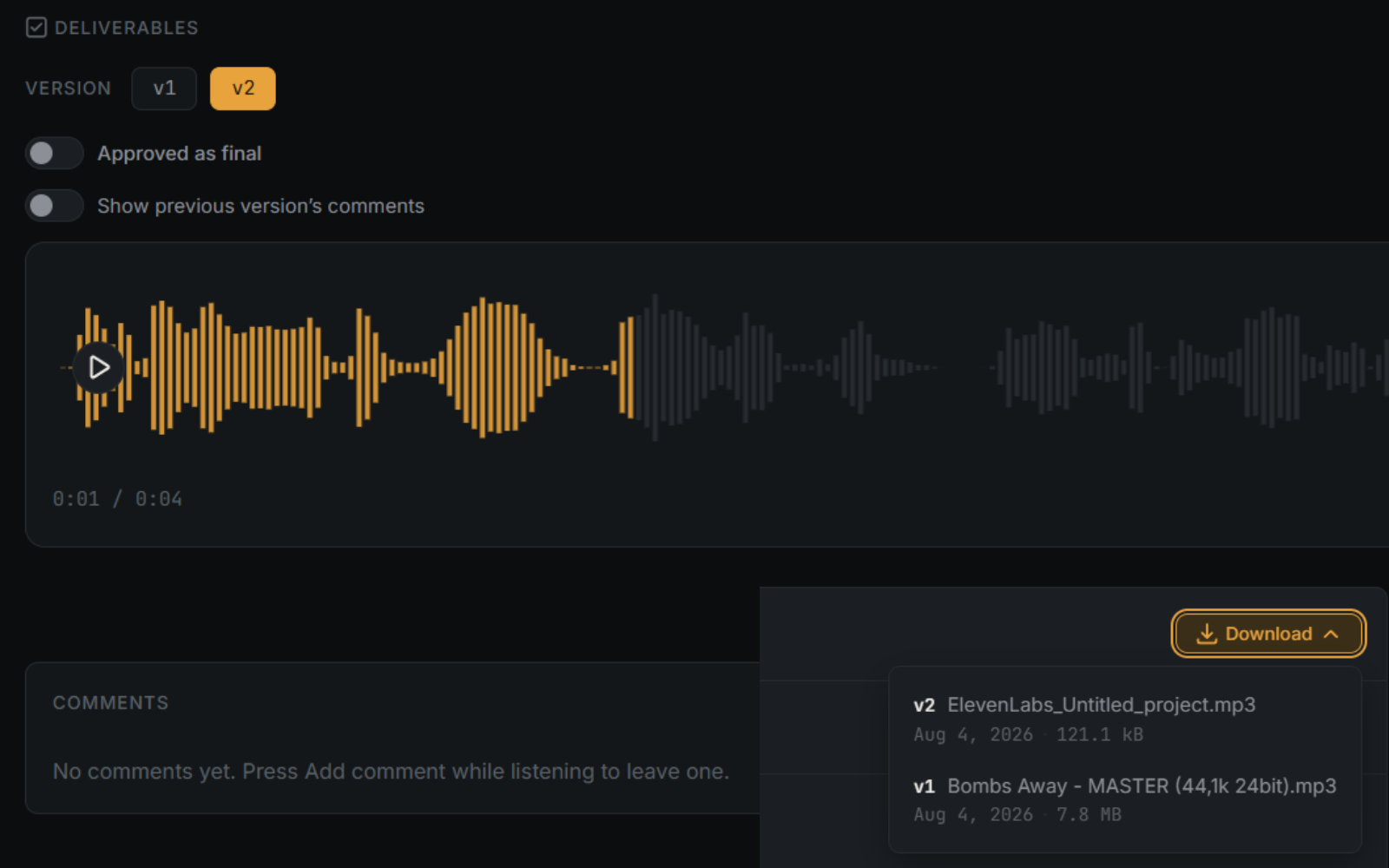
Stream previews. Release masters on your terms.
Clients stream a version to review it — they can't download it until you decide it's ready. When you are, pick exactly which files go out.
- Streaming-only previews, no accidental early downloads
- You control when files are released
- Selective download picker for final delivery
How it works
From upload to sign-off, in three steps.
Upload a version
Drop in your mix. Clients get a link — no accounts to wrangle on their end.
Client listens, comments & approves
They stream the track, pin feedback to the waveform, and sign off when it's ready.
Markers sync into your DAW
Every comment lands as a locator in Cubase or Pro Tools, right where you need it.
Where the mix gets approved.
Run client review the way it should work — timestamped, versioned, and synced right into your session.
Get started